Skip to content
daditime logo

DaDiTime

  • Home
  • Laser Marking
    • EzCad FAQs
    • EzCad Manual
  • Laser Cutting

Surface Marking

curved surface marking

How to Set the Curved Surface Marking?

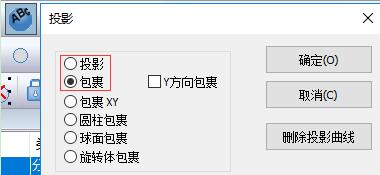
In Ezcad 3, Project or Wrap the marking pattern on the curved surface to be marked.

Hot Topics

  • Edit Menu: Combine/Uncombined
  • No Response After Double-clicking to Open EzCad2
  • Modify Menu: Offset
  • Modify Menu: Plastic
  • Why Does the Laser Emit Light Twice When Triggered Once?
  • Application of Laser Cutting for Medical Dressing
© 2024 DaDiTime.
Privacy Policy · Contact Us