
Skip to content
daditime logo

DaDiTime

  • Home
  • Laser Marking
    • EzCad FAQs
    • EzCad Manual
  • Laser Cutting

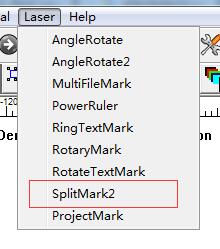
SplitMark2

splitmark2 function

The Pattern Marked Using the SplitMark2 Is Deformed?

Adjust the number of Step per rotation in the parameters and confirm whether the Dist per rotation is set correctly (please refer to the axis motor parameters for specific settings). If…
READ MORE ->

Hot Topics

  • Why Does the Water Temperature of the Laser Cutting Machine Rise Too Quickly?
  • The High and Low Levels of the Input Port Can’t Be Checked?
  • Draw Menu: Rectangle
  • How Does the Fiber Laser Marker Print White Text and Date on the Packaging Bag?
  • Uncontrolled Mouse Movement in Ezcad
  • How to Use Rotary Marking Pictures?
© 2024 DaDiTime.
Privacy Policy · Contact Us