Skip to content
daditime logo

DaDiTime

  • Home
  • Laser Marking
    • EzCad FAQs
    • EzCad Manual
  • Laser Cutting

Serial Number

Draw Menu: Variable Text

How to Use the Function of Variable Text?

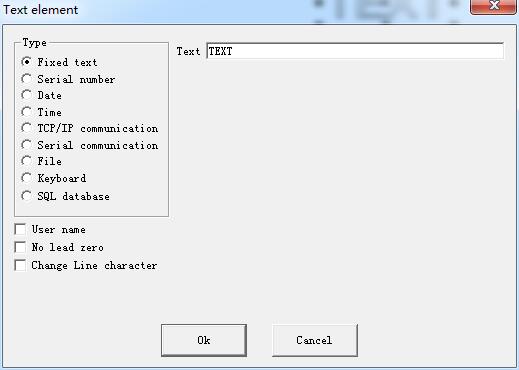
Draw Menu: Variable Text The function of variable text is available after “Enable variable Text” is selected. Variable Text is a disciplinary and dynamic text…
READ MORE ->

sn function 2

How to Set Serial Number for Laser Marking?

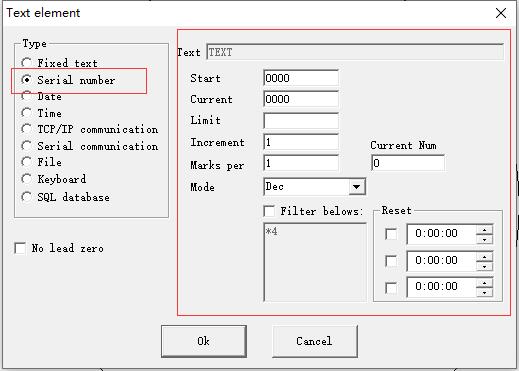
Check “Enable Variable Text”, click “Add”, and select “Serial Number” to start setting. Mode: The mode current series number used, see the figure. Dec: Series number carry…
READ MORE ->

Hot Topics

  • The Imported Graphic is Not Closed, How to Solve It?
  • Why Is There No Spark When Engraving?
  • Machine Parameter: Axis Solution
  • How to Connect the Foot Switch to Laser Marking Board?
  • Edit Menu: Combine / Uncombine
  • Does the Laser Marking Machine Have Radiation?
© 2024 DaDiTime.
Privacy Policy · Contact Us