Skip to content
daditime logo

DaDiTime

  • Home
  • Laser Marking
    • EzCad FAQs
    • EzCad Manual
  • Laser Cutting

QR Code Marking

qr code 1

How to Draw and Mark QR Code With Ezcad2?

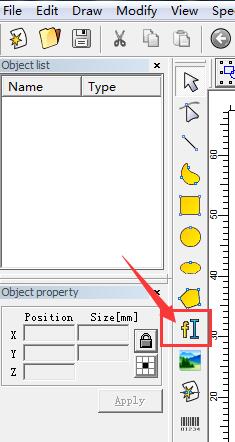
Open ezcad2 software, click Draw Text. Click anywhere with the mouse in the blank area on the right and the default text will appear. Click the…
READ MORE ->

QR code marking is not clear

Laser Marking QR Code Is Not Clear?

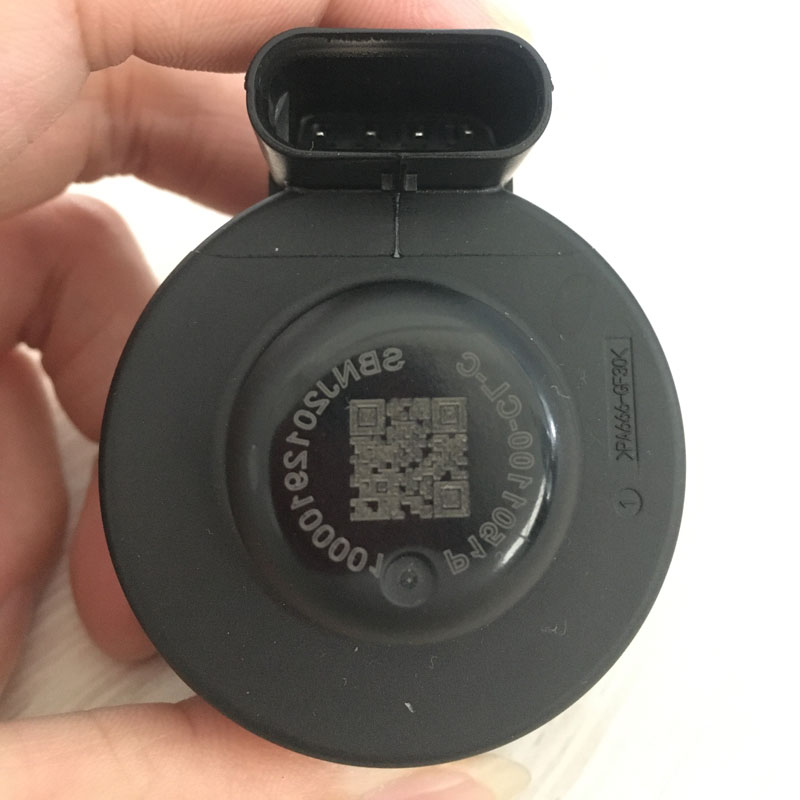
As shown in the picture, the laser marking QR code in the middle is not clear, and it feels like the QR code is obviously engraved into…
READ MORE ->

Hot Topics

  • How Does the Fiber Laser Marker Print White Text and Date on the Packaging Bag?
  • Why Are There Streaks on the Surface After Laser Cutting?
  • EzCad2 Error: can’t find the dongle?
  • Mark Parameter – Four Delay Time: Laser On TC, Laser Off TC, End TC, Polygon TC
  • How to Adjust the Box Size in Ezcad Interface to Be the Same as the Actual Marking Area?
  • Modify Menu: Plastic
© 2024 DaDiTime.
Privacy Policy · Contact Us