
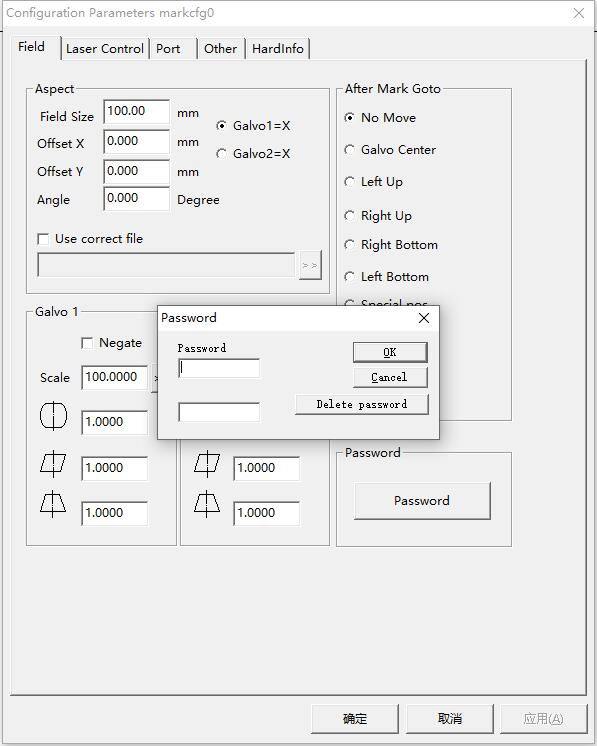
The F3 parameter Password is found in the “Plug” folder – “markcfg” to find “PSW=***”, *** is the F3 parameter password. The user management password is in the “Param” folder – after opening…
READ MORE ->
The F3 parameter Password is found in the “Plug” folder – “markcfg” to find “PSW=***”, *** is the F3 parameter password. The user management password is in the “Param” folder – after opening…
READ MORE ->