
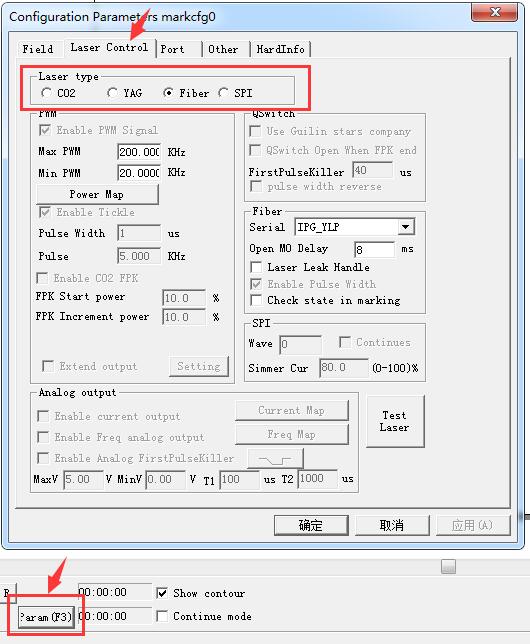
The causes of unstable laser marking machine current 1. In the parameter setting, check whether the laser type is correct, it is the main reason for…
READ MORE ->
Laser Type
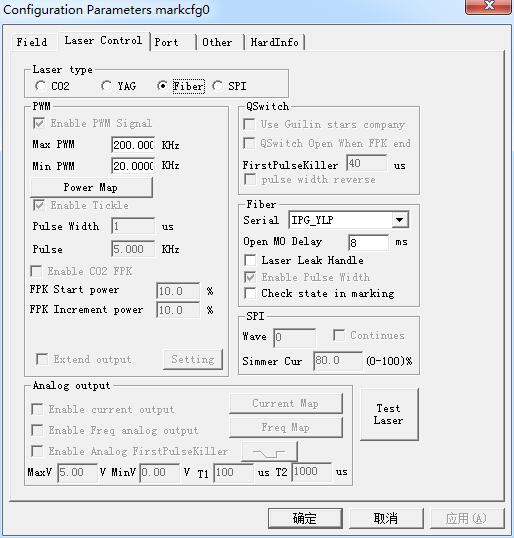
Param(F3) Configuration: Laser Control
Laser type: Co2: It indicates that current laser size is Co2 laser. YAG: It indicates current laser size is YAG laser. Fiber: It indicates that current laser size is fiber…
READ MORE ->
The Laser Cannot Emit Light Using Calibration Software?
The laser marker can emit light normally using standard software, but it cannot emit light using calibration software. It is recommended to check the marking laser…
READ MORE ->
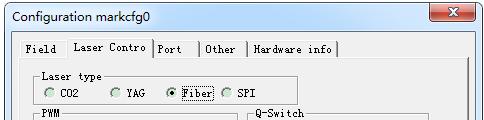
Laser to Not Emit Light When Connected to the Board
There are generally the following possibilities. A. Not on the focal plane. After marking a small circle continuously, manually adjust the distance between the galvanometer…
READ MORE ->