
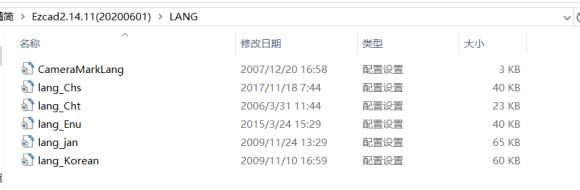
The language packs currently installed on your computer are displayed here. The languages included in the software are Simplified Chinese, Traditional Chinese, English, Japanese, and…
READ MORE ->
The language packs currently installed on your computer are displayed here. The languages included in the software are Simplified Chinese, Traditional Chinese, English, Japanese, and…
READ MORE ->