
Skip to content
daditime logo

DaDiTime

  • Home
  • Laser Marking
    • EzCad FAQs
    • EzCad Manual
  • Laser Cutting

IPG

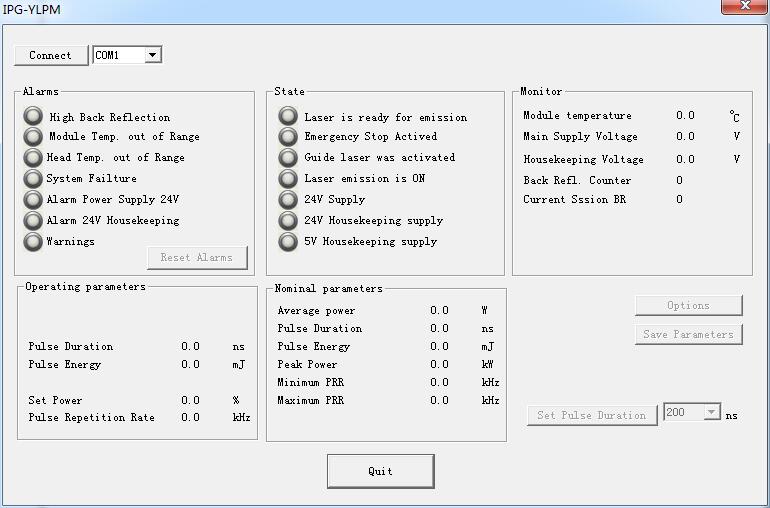
IPG Setting

Special Menu: IPG Setting

Click IPG Setting in ‘Special’ menu, the follow dialog will pop-up. It connects computer and laser through serial line for series of IPGM laser, and…
READ MORE ->

Hot Topics

  • Edit Menu: Group / UnGroup
  • How to Use the Function of Split?
  • Laser Is Still Marking When the Marking Software Is Turned Off
  • The Imported Graphic is Not Closed, How to Solve It?
  • How to Set the Curved Surface Marking?
  • Why Not Returning to Zero After Rotary Marking?
© 2024 DaDiTime.
Privacy Policy · Contact Us