Skip to content
daditime logo

DaDiTime

  • Home
  • Laser Marking
    • EzCad FAQs
    • EzCad Manual
  • Laser Cutting

Driver

What Should I Do About Ezcad After Reinstalling the Computer System?

You need to reinstall the laser mark control board software driver, dongle driver(for Ezcad3), and make or directly import correct files.

Change the Driver of Laser Mark Control Board in MarkingMate

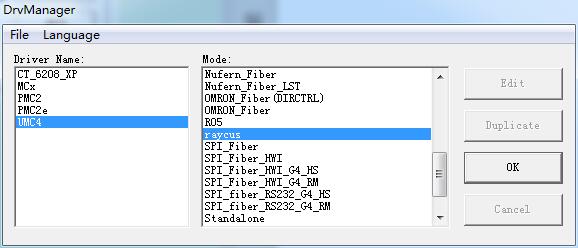
How to Select or Change the Driver of Laser Mark Control Board in MarkingMate?

Based on the different marking controller usage, user must select a correct driver. Users need to select the driver when installing MarkingMate. Besides, they can…
READ MORE ->
How to Install the Driver for laser marking machine Ezcad2?

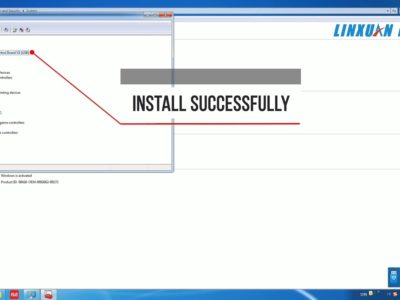
How to Install the Driver for Laser Marking Machine (Ezcad2)?

For laser marking by Ezcad2, install driver for the marking card step by step. Step 1 Turn on the machine power. Connect the laser machine…
READ MORE ->

Hot Topics

  • Modify Menu: Distribution
  • Can Ezcad Red Light Show a Specific Outline Instead of a Box?
  • Machine Parameter: Axis Solution
  • Why Does the Laser Emit Light Twice When Triggered Once?
  • It Prompts “Can not open correct file” When Open EzCad2?
  • What is the Reason for Two Effects From One File Marking in Ezcad?
© 2024 DaDiTime.
Privacy Policy · Contact Us