
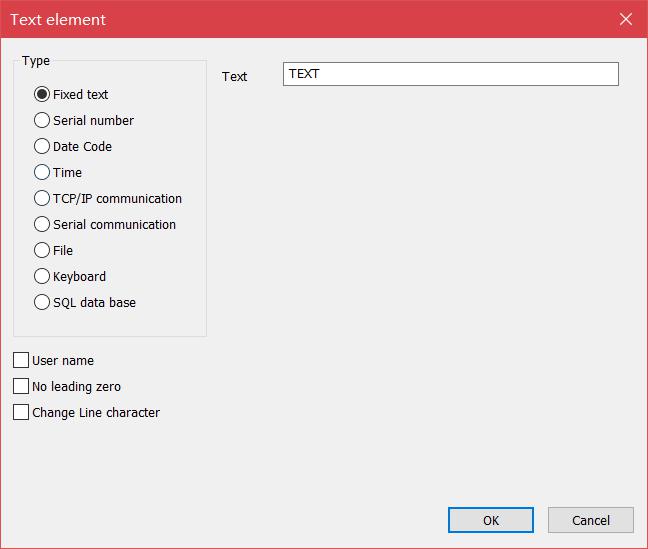
Click to enable the variable text. The variable text means that the text can be dynamically changed according to user-defined rules during processing. Variable text…
READ MORE ->
Draw Text
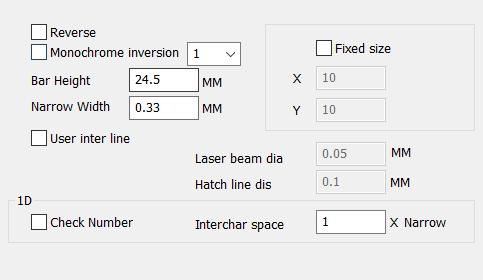
Draw Menu: Text – Bar Code Font Parameters
When the barcode font is selected, the system will pop up a dialog box as shown in Figure. 1.Barcode example The bar code example picture…
READ MORE ->
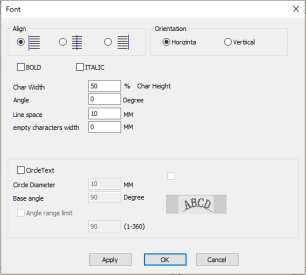
Draw Menu: Text – Text Font Parameters
Ezcad software supports direct input of text in the workspace. The fonts of the text include all fonts installed by the system, multiple fonts provided…
READ MORE ->