
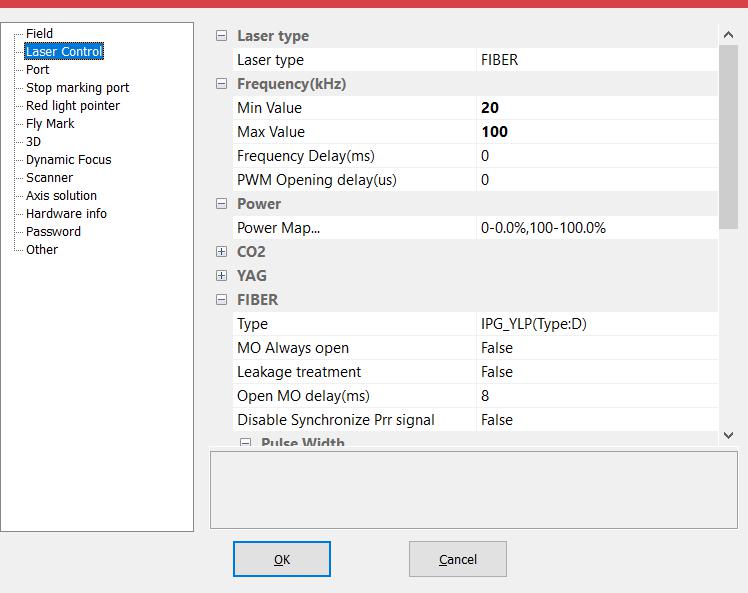
Laser type 1)Fiber: Indicates current laser type is fiber laser. 2)CO2: Indicates the current laser type is CO2 laser. 3)YAG: Indicates the current laser type…
READ MORE ->
CO2 Laser
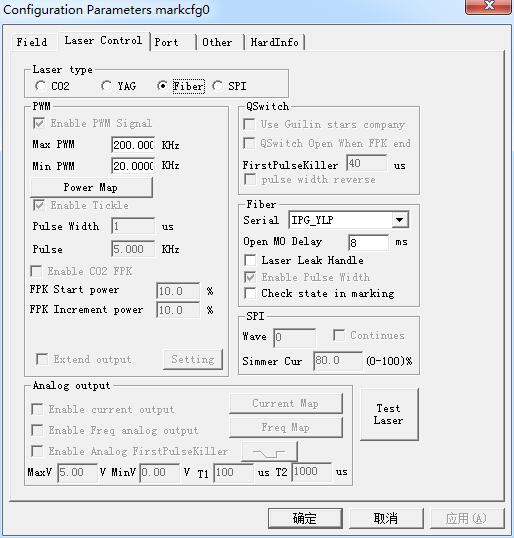
Param(F3) Configuration: Laser Control
Laser type: Co2: It indicates that current laser size is Co2 laser. YAG: It indicates current laser size is YAG laser. Fiber: It indicates that current laser size is fiber…
READ MORE ->
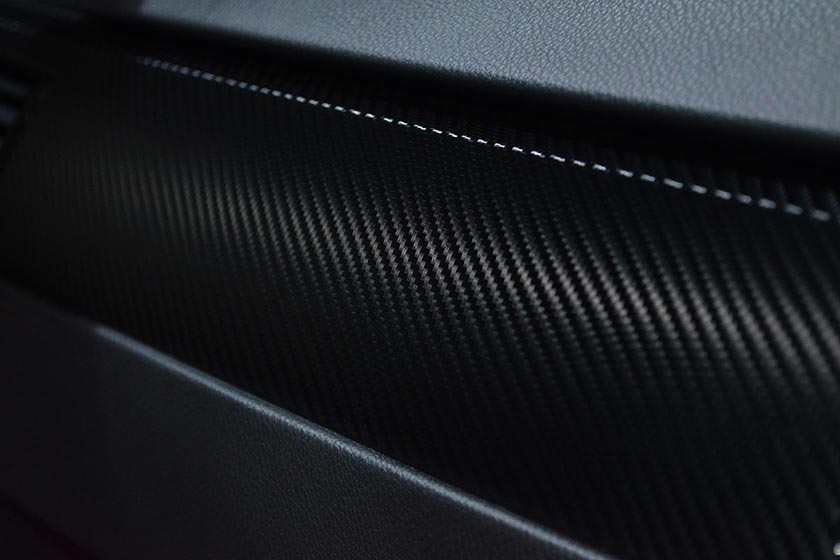
Application of Laser Cutting for Carbon Fiber Composite Material
Composite materials are widely used in all walks of life and are popular materials. In composite materials, fiber-reinforced materials have always been the focus of…
READ MORE ->
How to Mark the Pattern Lines Thicker?
This is related to the laser outlet. If it is a co2 laser, the line will be slightly thicker by increasing the power. The thickness of the lines marked by fiber…
READ MORE ->