Skip to content
daditime logo

DaDiTime

  • Home
  • Laser Marking
    • EzCad FAQs
    • EzCad Manual
  • Laser Cutting

Laser Marking

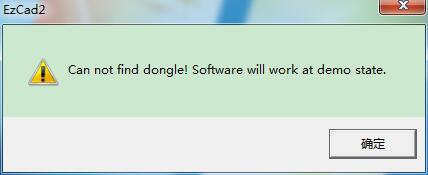
can’t find the dongle

EzCad2 Error: can’t find the dongle?

When opening EzCad2 laser marking software with error – “can not find dongle! Software will work at demo state.“, there may be some reasons, please…
READ MORE ->

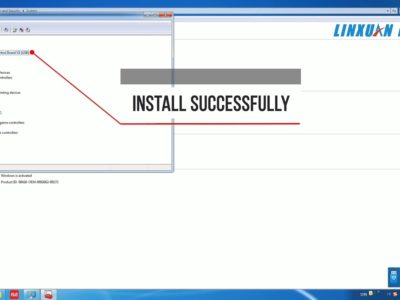
How to Install the Driver for laser marking machine Ezcad2?

How to Install the Driver for Laser Marking Machine (Ezcad2)?

For laser marking by Ezcad2, install driver for the marking card step by step. Step 1 Turn on the machine power. Connect the laser machine…
READ MORE ->

Posts pagination

Newer posts Page 1 … Page 22

Hot Topics

  • Edit Menu: Combine/Uncombined
  • Where is the Small Laser Marking Machine Generally Used?
  • Draw Menu: Barcode Text
  • Application of Laser Cutting for Solar Cell
  • Process: Pen list
  • File Menu: Object list
© 2024 DaDiTime.
Privacy Policy · Contact Us